So the storyboard is approved. The content is right, the flow makes sense, and everyone has signed off. It feels like the hard part is behind you.
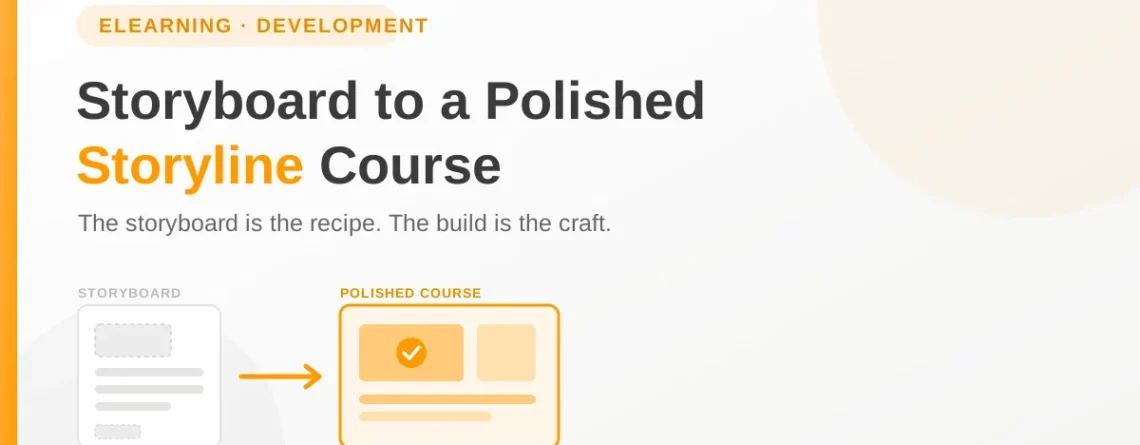
I used to think that too. Then I learned that the storyboard is only the recipe. The actual cooking, turning those words and sketches into a course that feels smooth and professional, is its own craft. A great storyboard can still become a clumsy course if the build is rushed or careless.
The good news is that this stage follows a pattern. Once you know the path from approved storyboard to polished Storyline course, it stops feeling like a scramble and starts feeling like a process. Let me walk you through how I do it.
Start by Setting Up, Not Building
Here is the mistake almost everyone makes, myself included in my early days. You open Storyline and immediately start building slide one.
Resist that. The first thing to do is set up your foundation. Decide your slide size, your fonts, your color palette, and your button styles before you build anything. Set up your slide master so every slide inherits the same look automatically.
This feels like a delay when you are eager to make progress. It is actually the opposite. Ten minutes spent on setup saves hours of fixing inconsistent slides later. A course looks polished when everything matches, and the easiest way to make everything match is to decide it once, up front, before the building starts.
Build the Structure Before the Polish
When you do start building, resist the urge to perfect each slide as you go. That path leads to a beautiful slide one and a project that never gets finished.
Instead, build rough first. Lay out every slide with its text and placeholder spots for images and interactions. Get the whole course standing, start to finish, before you polish any single part of it. This lets you feel the flow of the entire thing early, when changes are still easy.
Think of it like a sculptor. You rough out the whole shape first, then refine. Working this way, you always have a complete draft, and you can spend your polishing time where it matters most instead of over-perfecting a slide that might change anyway.
Bring the Content to Life
Now comes the part that separates a slideshow from a real course. A storyboard describes interactions. Your job in Storyline is to make them actually work and feel good.
Here is where the polish lives.
- Design clean visuals. Give your slides room to breathe. Generous spacing, clear hierarchy, and consistent alignment do more for a professional feel than any fancy graphic.
- Build interactions that respond. When a learner clicks, something should happen clearly and smoothly. Good states and triggers make a course feel alive instead of flat.
- Add motion with restraint. A little animation guides attention and adds polish. Too much becomes distracting. The goal is to support the content, not to show off.
- Write feedback that teaches. When a learner answers a question, the response should do more than say right or wrong. Use it to reinforce the point, so even a wrong answer becomes a moment of learning.
None of these are in the storyboard in full detail. They are the craft you add in the build, and they are what makes the finished course feel considered.
Mind the Details That Signal Quality
A polished course is really just a course where nothing feels off. And nothing feels off because someone paid attention to the small things.
The details matter more than people expect. Consistent fonts and spacing from slide to slide. Buttons that all look and behave the same way. Images that are crisp, not stretched or blurry. Audio that is clean and synced to what is on screen. A navigation experience that never leaves the learner confused about where they are or how to move on.
Learners may not consciously notice any of these when they are right. But they absolutely feel it when they are wrong. A single stretched image or a mistimed audio clip can quietly undermine the credibility of the whole course. Polish is the sum of a hundred small things done correctly.
Test It Like a Learner Would
Before you call anything finished, you have to experience the course the way a real learner will. Not as the builder who knows where everything is, but as a first-timer clicking through.
Go through every path. Click every button, answer every question correctly and incorrectly, try the interactions, and watch for anything that breaks or confuses. Then preview it on the actual platform it will live on, because a course that works perfectly in the editor can still behave differently once it is published and tracking on an LMS.
This testing pass is not optional, and it is not the place to cut corners. It is the step that catches the broken trigger, the missing audio, the quiz that does not score. Finding those things yourself, before the client or the learner does, is what protects your reputation.
From Recipe to Finished Dish
The storyboard gave you the plan. The build is where that plan becomes something real that people will actually use and learn from.
The path is reliable once you know it. Set up your foundation first. Build the structure before the polish. Bring the interactions to life with care. Mind the small details that signal quality. Then test it hard, like a learner would. Follow those steps, and a strong storyboard reliably becomes a strong course.
So the next time you have an approved storyboard in hand, do not rush into slide one. Take a breath, set your foundation, and work the process. The polish you are after is not luck or talent. It is a series of deliberate steps, done in the right order.
If you have a storyboard ready and want it built into a polished, reliable Storyline course, that is exactly the kind of work I do. Reach out anytime about your next custom eLearning project.